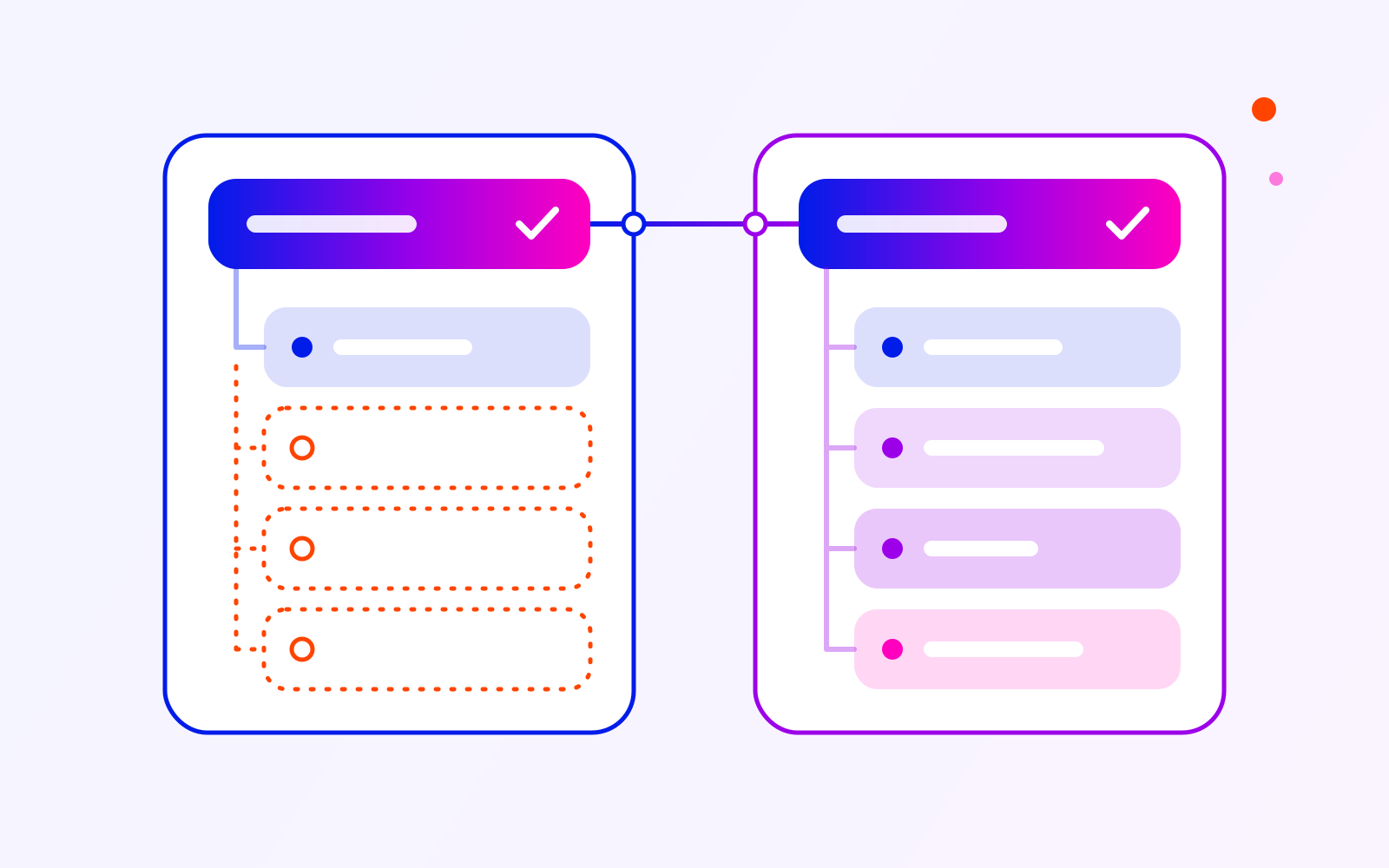
Native Integration, Connector or
Custom Build: How to Choose
Compare integration options against your workflow, exception handling and ongoing responsibilities before choosing one.
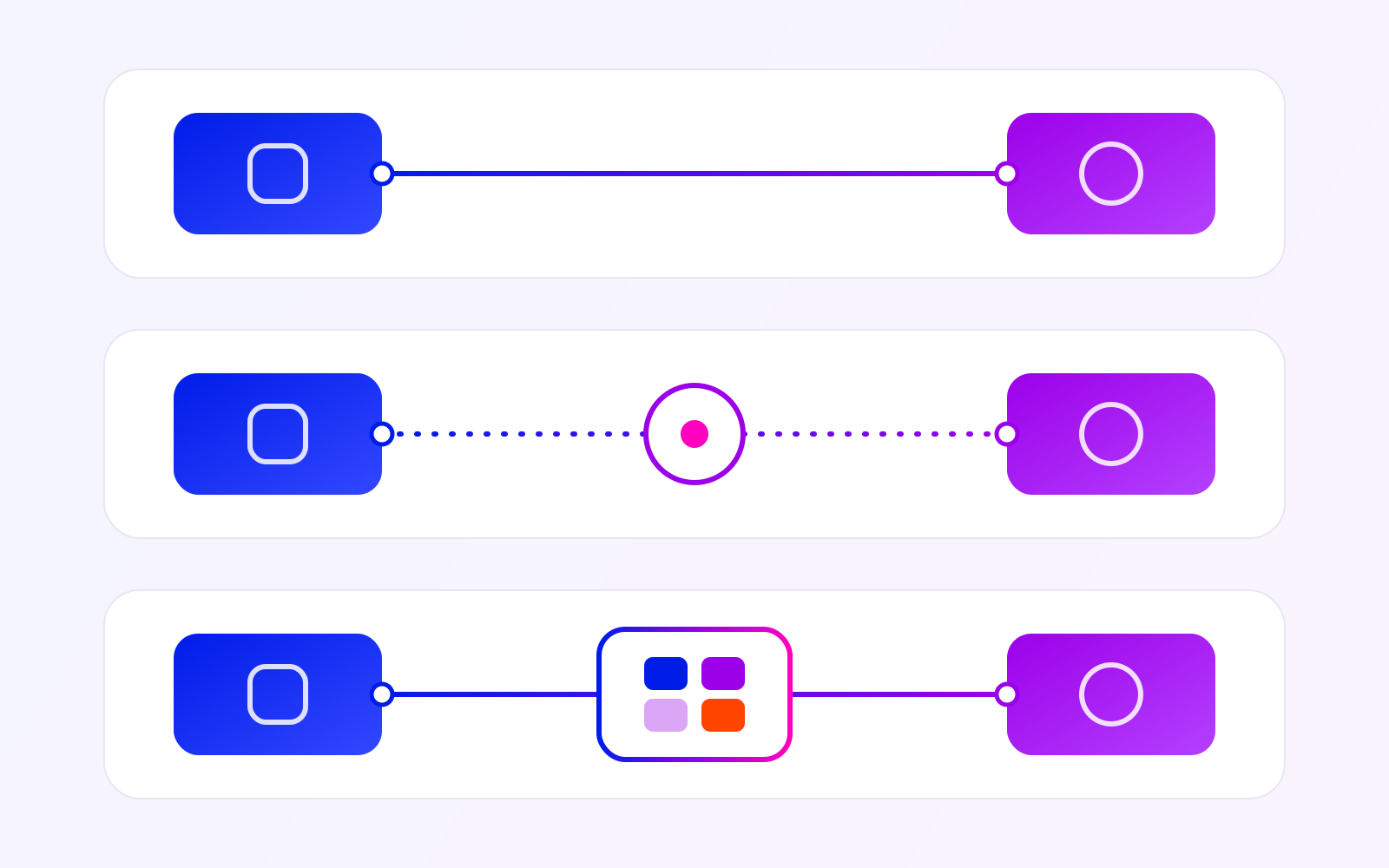
When your team copies information between systems, start by checking whether an existing integration can handle the whole task—including changes and failures.
The short answer: choose a native integration when its supported behaviour meets your requirements. Consider a connector when its triggers, actions and workflow rules cover the gaps. Consider custom development when a necessary rule remains unsupported, the systems provide the required access, and someone can own the ongoing maintenance.
| Native integration | Connector | Custom integration | |
|---|---|---|---|
| A good fit when… | Built-in settings cover the records, actions and update rules you need. | Available triggers, actions and workflow rules support the required sequence. | A necessary gap justifies building and maintaining additional software. |
| Verify before choosing |
|
|
|
Native integration
A good fit when…
Built-in settings cover the records, actions and update rules you need.
Verify before choosing
- Supported fields and permissions
- Failure visibility
- Recovery controls
- Who handles configuration and changes
Connector
A good fit when…
Available triggers, actions and workflow rules support the required sequence.
Verify before choosing
- Data access
- Failed-run handling
- Safe retries
- Usage limits and charges
- Ownership of the workflow
Custom integration
A good fit when…
A necessary gap justifies building and maintaining additional software.
Verify before choosing
- Available interfaces and permissions
- Acceptance checks
- Development and running costs
- Monitoring and recovery
- Responsibility for deployment and support
An application's name in an integration catalogue is only the starting point. Test the behaviour your team actually needs before committing.
Understand the three options
A native integration is a connection offered within one of the products you already use. Its settings and supported behaviour define what you can configure. Check the actual fields, actions and update rules before assuming that connecting the accounts completes the job.
A connector lets a workflow platform interact with another system through supported triggers and actions. A trigger starts work; an action reads or changes something. This is the model described in Microsoft's connector documentation, which also covers custom connectors that you build and maintain for systems without a prebuilt one. A listed application is not enough on its own: the particular trigger or action your workflow needs must be available.
A custom integration implements the required behaviour through code and available interfaces. It can handle rules that existing options do not cover, but someone must maintain it, monitor failures and adapt it when the connected systems change.
These options can coexist. A connector might handle routine transfers while a small custom component manages a specific approval rule. Evaluate the combined workflow and its responsibilities.
For every mandatory requirement, record whether the candidate supports it, needs testing or cannot provide it. A missing requirement matters more than a long list of unrelated features.
An illustrative order workflow
Consider a fictional business that approves orders in one application and reserves inventory in another. The order application owns approval status; the inventory application owns available stock. This example illustrates requirements to check, not a client project or a working integration.
An approved order should request a reservation and show its outcome to the operator. Unapproved orders must not reserve stock. The workflow also needs an agreed response when stock is unavailable or the reservation outcome is unknown.
Order received or changed
Approved?
No
Do not reserve stock
Yes
Request inventory reservation
Confirmed
Show reservation result
Insufficient stock
Flag for operator review
Outcome unknown
Check the outcome before retrying
If the system cannot confirm the result, route it for operator review.
Only approved orders request inventory reservations. Confirmed reservations show a result; insufficient stock goes to operator review. An unknown outcome must be checked before retrying, with operator review if it cannot be confirmed.
An amended order needs an agreed adjustment process: if the order already has a reservation, the request should adjust that reservation rather than create a second one. A cancellation or withdrawn approval should release an existing reservation where possible. Test these conditions in each candidate solution: the appropriate choice depends on which option supports the required behaviour and recovery.
Test failures before committing
Include a repeated event in your trial. The same approval arriving twice should not create two reservations. Also test a lost response: the inventory system may have completed the reservation even though the caller received no confirmation. A retry can apply the same change twice unless repeating the operation has the same effect as a single attempt, a property called idempotency. Microsoft's retry guidance explains this failure scenario.
A temporary interruption may justify retrying after a delay. Repeated immediate attempts can add pressure to an unavailable service; AWS describes retries with increasing wait times and says the operations should be idempotent. Ask what happens when retries stop, which person sees the failure and how they recover the affected record.
The operator should be able to distinguish pending work, a completed transfer and an issue requiring attention.
- Pending: The transfer is queued or in progress, or its outcome is being checked before any retry. Nothing is confirmed yet.
- Completed: The receiving system has confirmed the change.
- Needs attention: The request was declined or failed, or its outcome could not be confirmed. A person decides what happens next.
In a marketplace seller platform we built for a client, integrations were part of the product. An engineer on the project described zero-stock updates waiting behind price and listing changes; the team prioritised them and added stock buffers and reconciliation. In a test with a deliberately delayed marketplace response, the engineer confirmed that stock aligned as expected. Whichever option you compare, ask what happens between a central reservation and the external stock update, and how a late order for unavailable stock is handled.
Include the ongoing work in the comparison
Compare costs over the same period and expected workload. Include configuration or development, subscriptions and usage charges, infrastructure where needed, monitoring, support and future changes. Ask how each option's limits and charging model behave at your expected volume.
Record the manual work that remains: reviewing exceptions, correcting data and checking incomplete transfers. A workflow can reduce copying while creating a different operational responsibility. Count that responsibility explicitly.
Keep time released separate from cash savings. Time becomes useful capacity when your team can put it to another task; it does not automatically reduce expenditure.
A checklist for your first discussion
Bring one representative record and write down the following:
- Purpose: What should happen, who needs it and what currently happens manually.
- Systems: Where information starts, where it goes and which system owns each important field.
- Identity: How the same order, customer or item is recognised across systems.
- Timing: What starts the transfer and how much delay is acceptable.
- Changes: How amendments, cancellations and conflicting updates should behave.
- Exceptions: Which failures require retrying, correction or a human decision.
- Access: Available interfaces, permissions and a safe place to test.
- Operation: Expected volume, the person monitoring it and the person maintaining it.
Use this checklist to request a small demonstration of the important scenarios. Choose an existing option when it meets the requirements and its operating model is workable. Consider custom development when a defined gap justifies the added responsibility. If ownership rules or access remain unclear, resolve those questions before choosing an option or estimating a build.
Sources
Not sure which option fits your workflow?
Tell us which systems you want to connect, what should move between them and where the current process becomes difficult. We can help clarify the requirements and the next step.