



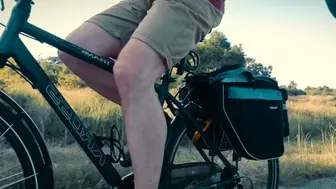

YouTube Ads management,
planned frame by frame.
We script and storyboard the ad so the problem and your name land before the skip button, cut it for each format, choose who sees which cut, and read the campaign on bookings, sales or ad recall.
Under the heading, a YouTube watch page plays a sample in-stream ad for an imagined e-bike brand, Larkway. Viewers can skip it after five seconds.
One script,
cut three ways.
The same footage and the same message, cut to the length and shape of each YouTube format. A sample for an imagined e-bike brand.
In-stream 20 s
Skippable after 5 s
The problem and the name come before the skip button. The offer is for the viewers who stay.
Bumper 6 s
Can't be skipped
One line and the name. Read on reach: a bumper counts no views.
Shorts 15 s
Swiped away at any moment
Vertical, captions on, the hook in the first second.
Each audience sees
the cut made for it.
The brief sets one goal, test rides booked, and one message: ride past the queue. Each audience gets the cut that fits where it meets the ad.
Custom segment · Life event
Searched for e-bikes, or just moved home
The 20-second ad, before the video they chose.
Your data
Saw the first ad
A 6-second reminder a few days later.
Custom segment
Scrolls Shorts
The same searches, met in the Shorts feed.

Left out: customers who already booked or bought. Customer Match keeps them out of the booking campaigns.
Read on the booking,
not the view.
Views show attention. The campaign is judged on the action agreed in the brief, and the drop-off shows where to re-cut.
Videos
Campaign: Larkway · Test rides1 – 30 Nov 2026Sample data- Impr.
- 572.6K
- Views
- 96.6K
- Conversions
- 238
- Cost / conv.
- $22.74
Audience retention
| Video | Impr. | Views | View rate | Played to 25% | 50% | 75% | 100% | Conversions | Cost / conv. |
|---|---|---|---|---|---|---|---|---|---|
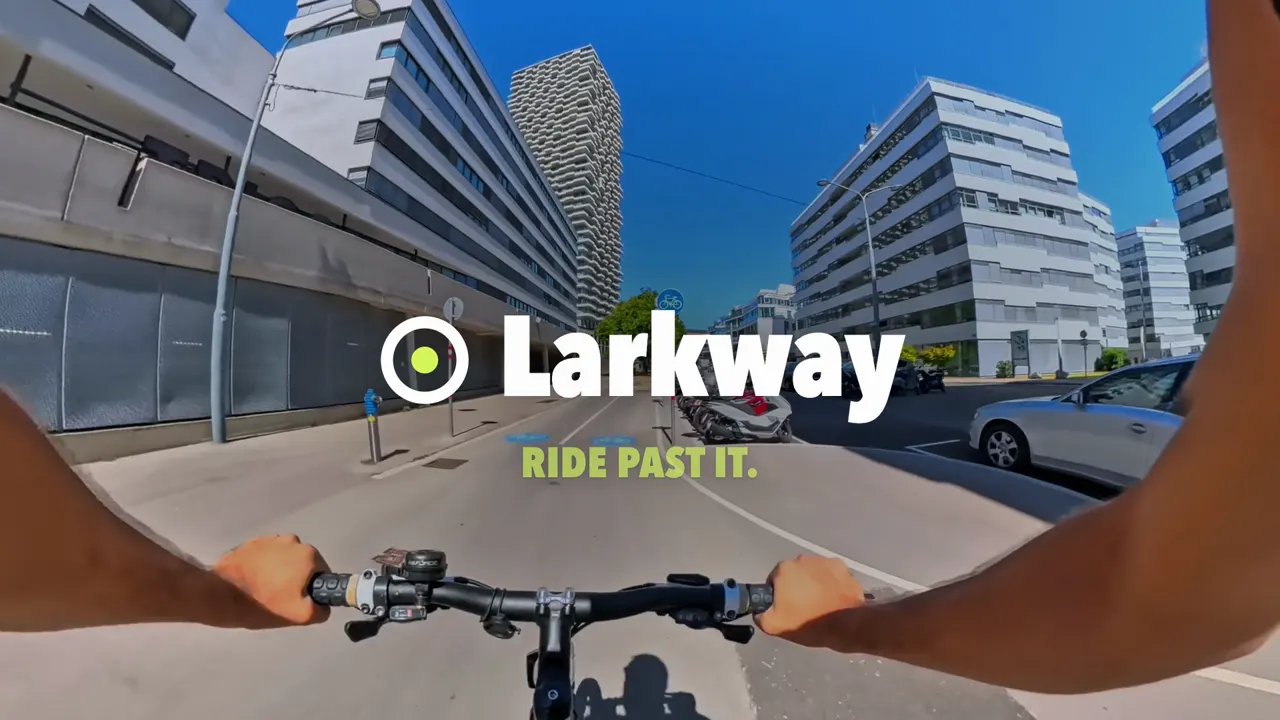 In-stream0:20 | 184,210 | 57,106 | 31.0% | 88.6% | 41.7% | 34.1% | 28.9% | 142 | $21.40 |
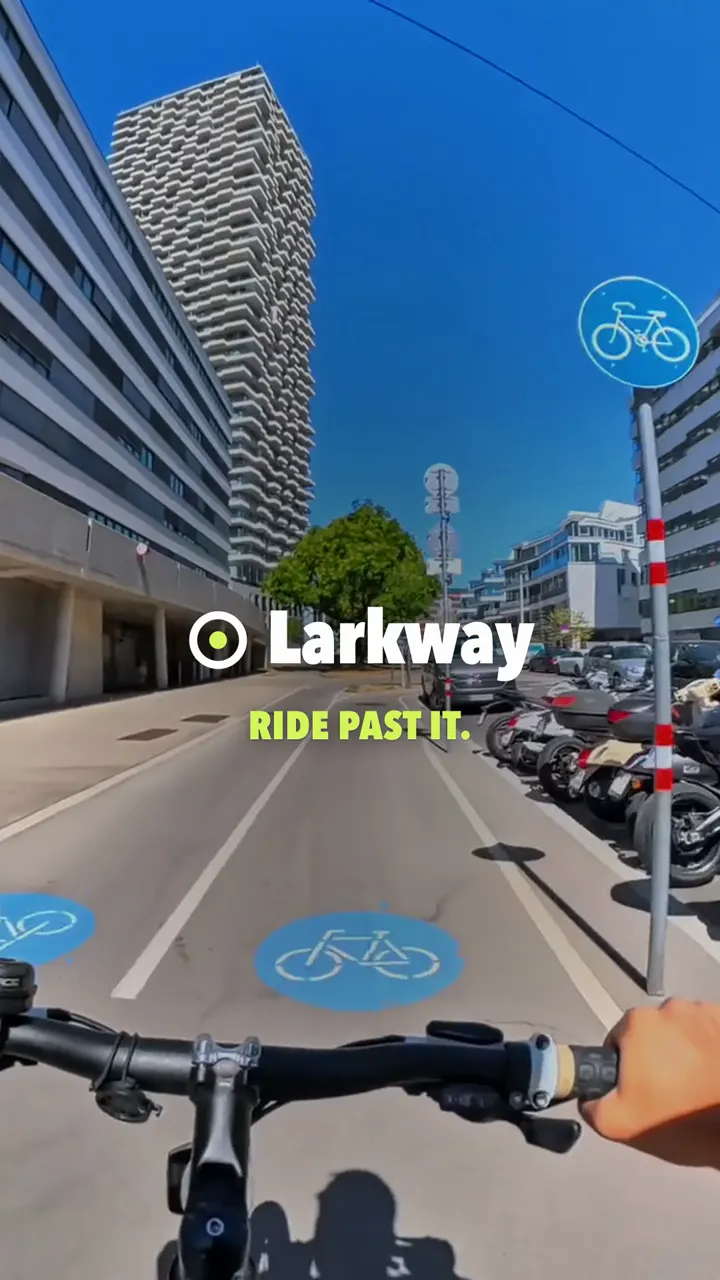 Shorts0:15 | 151,920 | 39,470 | 26.0% | 63.5% | 47.2% | 35.8% | 27.1% | 58 | $23.80 |
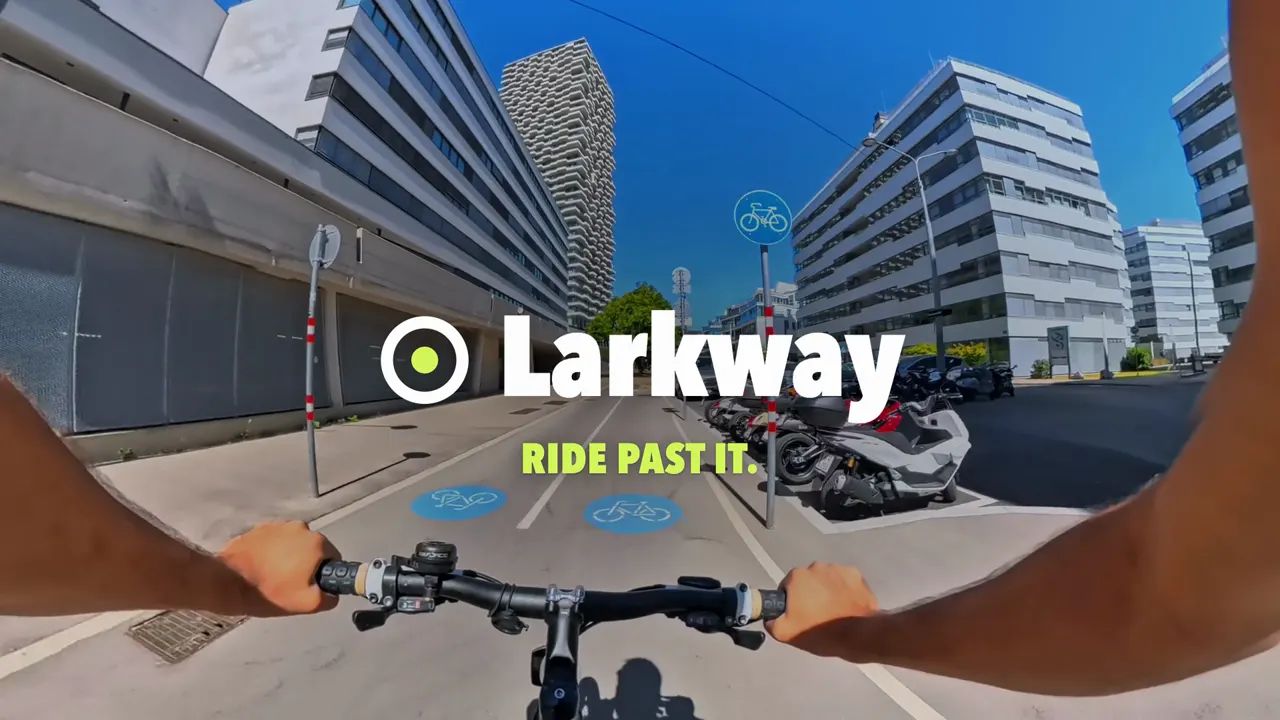 Bumper0:06 | 236,480 | — | — | 91.0% | 83.6% | 77.2% | 70.4% | 38 | $26.10 |
Views show attention
A view is the whole ad, or 30 seconds of a longer one, or a click. When the goal is reach, a Brand Lift survey measures ad recall instead.
The drop shows what to re-cut
Each cut reports who played it to 25, 50, 75 and 100%. Every month we keep the cut that brings bookings and change one thing, most often the opening.
Bookings decide
Test rides booked, counted as conversions in Google Ads and GA4, including people who watched 10 seconds and booked later.
From one brief
to a monthly re-cut.
Each step ends with a decision you make.
Brief
You receive
- Creative brief
- Conversion check
You decide
Which action counts: bookings, sales or ad recall?
Script
You receive
- Script
- Storyboard
You decide
Which footage do we cut from?
Cuts
You receive
- In-stream, bumper and Shorts cuts
- Campaign map
You decide
What budget does each campaign get?
Read
You receive
- Cut comparison
- Audience read
You decide
Which bookings turned into sales?
Re-cut
You receive
- New openings
- Next test
You decide
Which new opening goes next?
To start
Brief
- Creative brief
- Conversion check
You decideWhich action counts: bookings, sales or ad recall?
To start
Script
- Script
- Storyboard
You decideWhich footage do we cut from?
Launch
Cuts
- In-stream, bumper and Shorts cuts
- Campaign map
You decideWhat budget does each campaign get?
Every month
Read
- Cut comparison
- Audience read
You decideWhich bookings turned into sales?
Every month
Re-cut
- New openings
- Next test
You decideWhich new opening goes next?
Three ways to start,
from what you have.
Each one can be ordered on its own.
Ads from your footage
- A good fit when
- You have product videos or a brand film, but no ads made for YouTube.
- First you get
- A script, a storyboard and cuts for each format, made from your footage.
Campaign review
- A good fit when
- Video campaigns run, but nobody can say what they bring.
- First you get
- A review of cuts, audiences and tracking, with a ranked list of changes.
Full management
- A good fit when
- You want scripts, cuts, campaigns and measurement run by one team.
- First you get
- A brief, the first cuts, live campaigns and a monthly read.
- Your ad spend
- Google bills it to your own Google Ads account. It never passes through us.
- Our fee
- A setup fee, then a monthly fee, agreed for a clear scope. The number of scripts and cuts each month sets most of it.See the price range
Want YouTube ads
that lead somewhere?
Tell us what you sell, what footage you have and what a good result looks like for you. We will come back with questions and a first idea for the opening five seconds.
Discuss your projectFrequently Asked Questions
It depends on how many scripts and cuts you need, the footage available, the formats, the measurement work and the reporting you want. We agree a fixed price for a clear scope. Ad spend is separate: Google bills it to your own Google Ads account.
We write the scripts and storyboards and edit the ads: cuts of footage you supply, motion graphics, supers, captions and end cards. The ad on this page is a sample our team cut from licensed stock footage for a fictional brand.
Skippable in-stream ads, which viewers can skip after five seconds; bumper ads of up to six seconds, which can’t be skipped; ads in the vertical Shorts feed; and in-feed video ads shown in YouTube search, next to related videos and in the home feed. The choice follows the goal and the footage.
Audiences built from what people do: custom segments based on what they recently searched for on Google, life events such as moving home, people who watched your videos, and your own customer lists through Customer Match. Each audience is matched to the cut that suits it.
By the action agreed in the brief. Bookings, sign-ups and sales are tracked as conversions in Google Ads and GA4. For awareness campaigns, a Brand Lift survey measures ad recall among people who saw the ad, when the campaign budget meets Google’s minimum. Setting up the tracking is part of analytics and conversion tracking.
Yes. YouTube ads are bought and managed in Google Ads: as video campaigns for reach and views, and as Demand Gen campaigns when the goal is bookings or sales. If you already run Google Ads for search, the same account and conversion tracking serve both.
They reach people in different moments. YouTube ads play before and during videos people chose to watch and appear in YouTube search. Meta Ads appear between posts in Facebook and Instagram feeds, Stories and Reels. Many brands use one script with a cut for each platform’s formats.
You do. The Google Ads account, your YouTube channel, the audiences and the finished ads stay yours. We hand over the edit files, the storyboards and the log of what we tested.